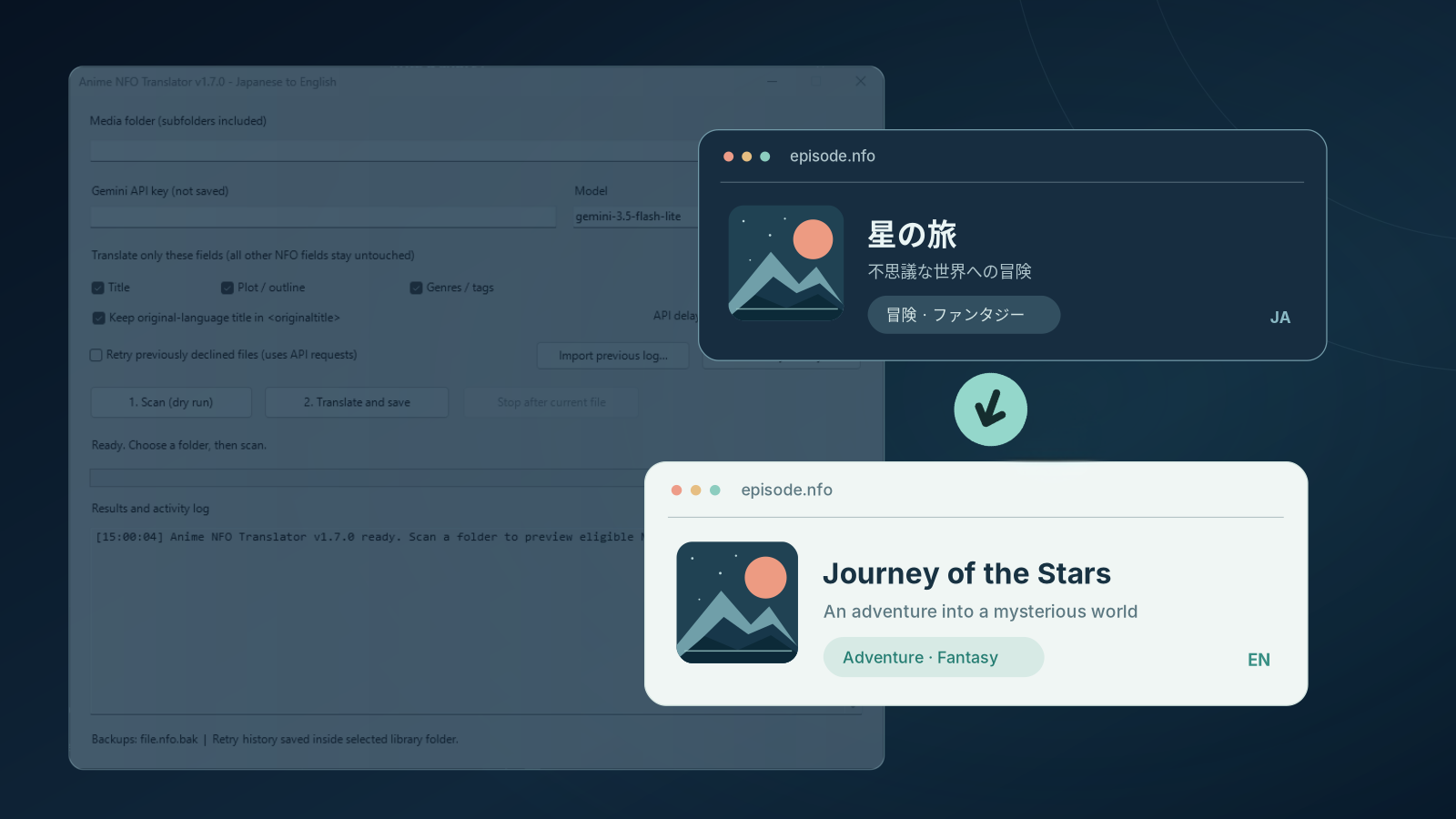
Just the usual I ran into an annoyance…..
My small anime library on Jellyfin had a number of titles where the info was in Japanese… descriptions, genres and other metadata. Somehow changing the language didn’t work as the information was already stored in local NFO files.
I could have easily edited them manually, one by one. But where’s the fun in that?
So, with a little help from ChatGPT, I built NFO Translator, a lightweight Windows utility that batch-translates anime metadata from Japanese into English using Google’s Gemini API.
The basic idea is to point it at your anime library, let it find the NFO files, and translate the relevant fields without messing up the rest of your metadata.
What does it do?
- Translates titles, synopses and genres into English.
- Preserves original titles and existing metadata.
- Automatically skips entries that have already been translated.
- Lets you preview changes and keeps backups.
- Supports common Jellyfin, Kodi and Emby NFO formats.
And because I prefer tools that don’t require a dozen dependencies just to get started, there’s no need to install Python, Node.js or anything complicated. Just extract, launch and translate.
The utility is free, open source and MIT-licensed. It’s currently available as a Windows public preview, so there’s probably still room for improvement.
Nothing groundbreaking, really. Just a little tool that solves a problem I encountered.
Download and source code: [Here]
Leave a Reply